BeatStep+RPAK CHARCOAL
Description:
Compact Control PowerHouse
The chameleon controller and sequencer that provides nearly endless possibilities. With a compact format, it is the perfect companion on the road or in the studio.
The chameleon controller and sequencer
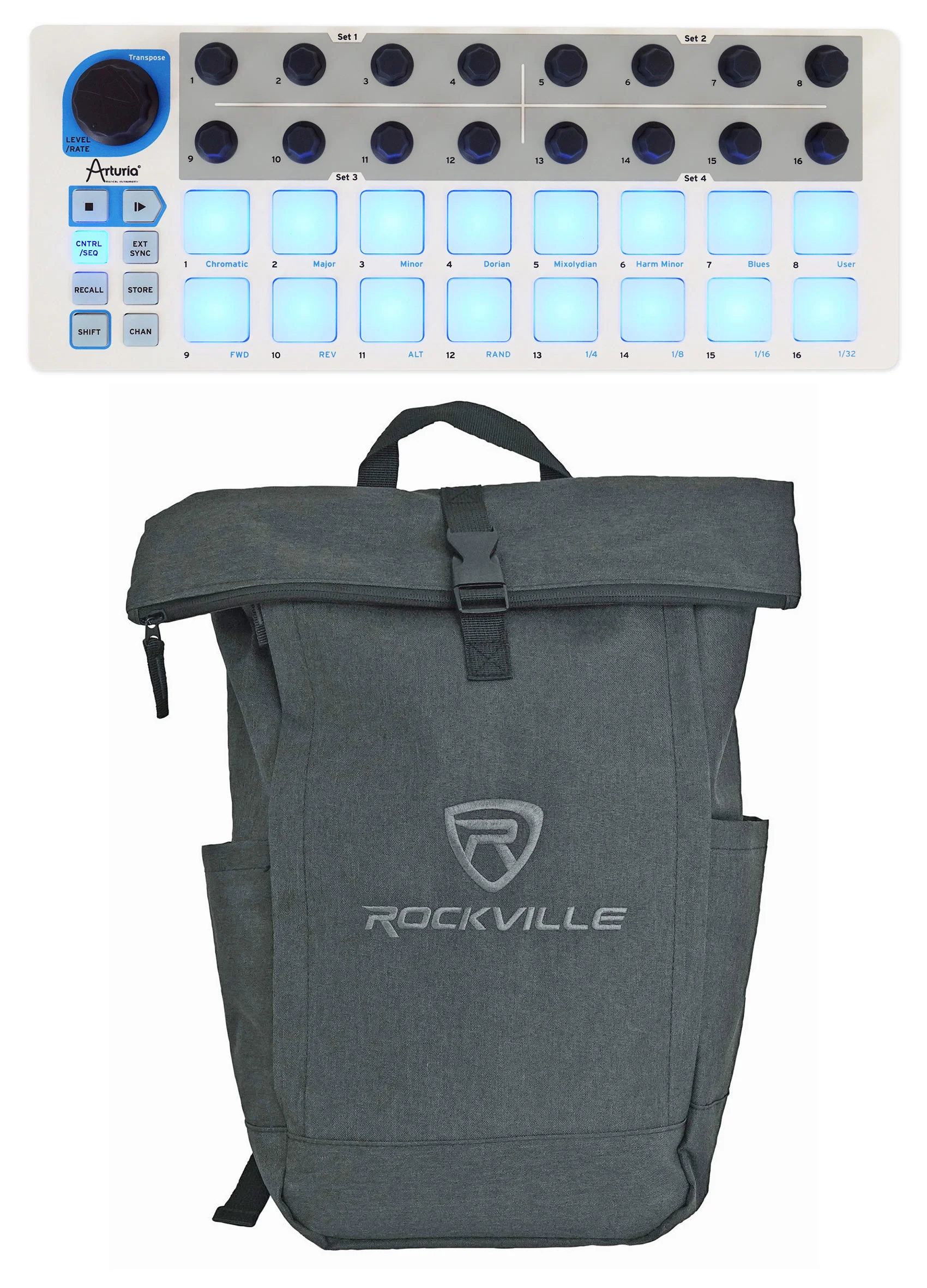
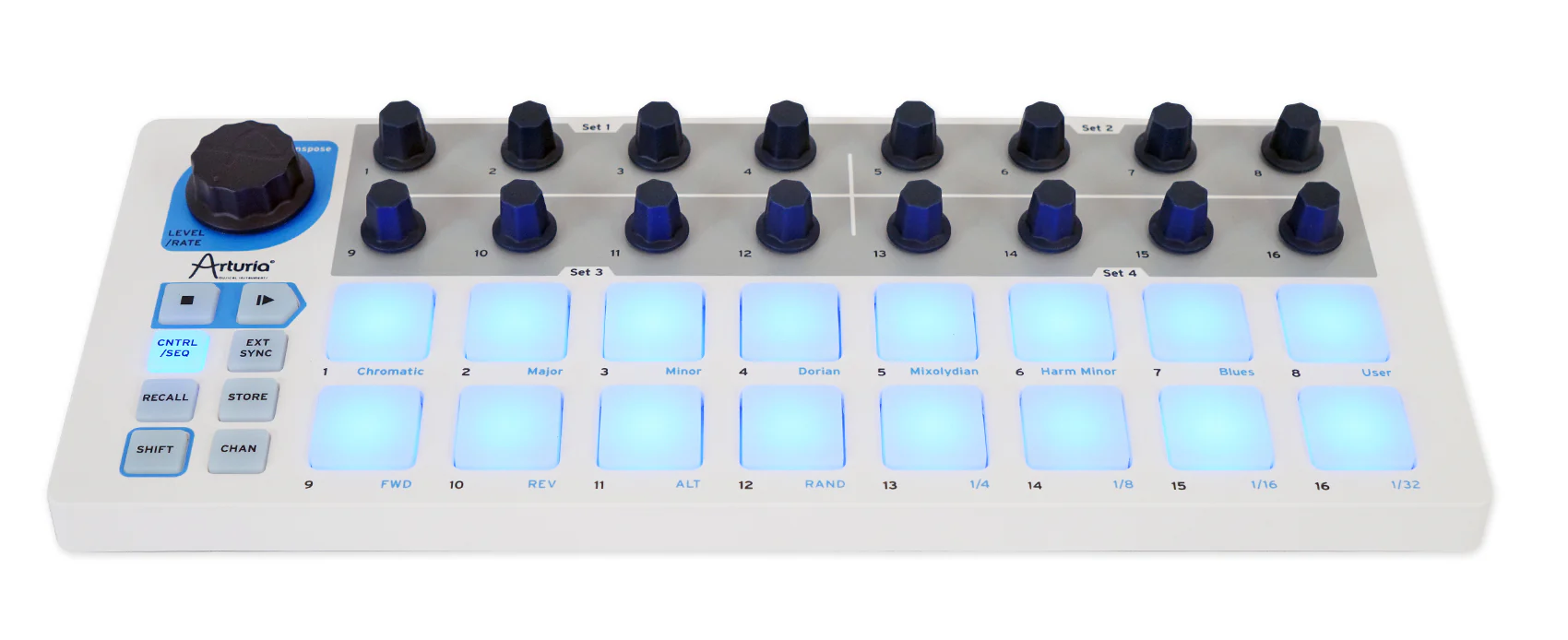
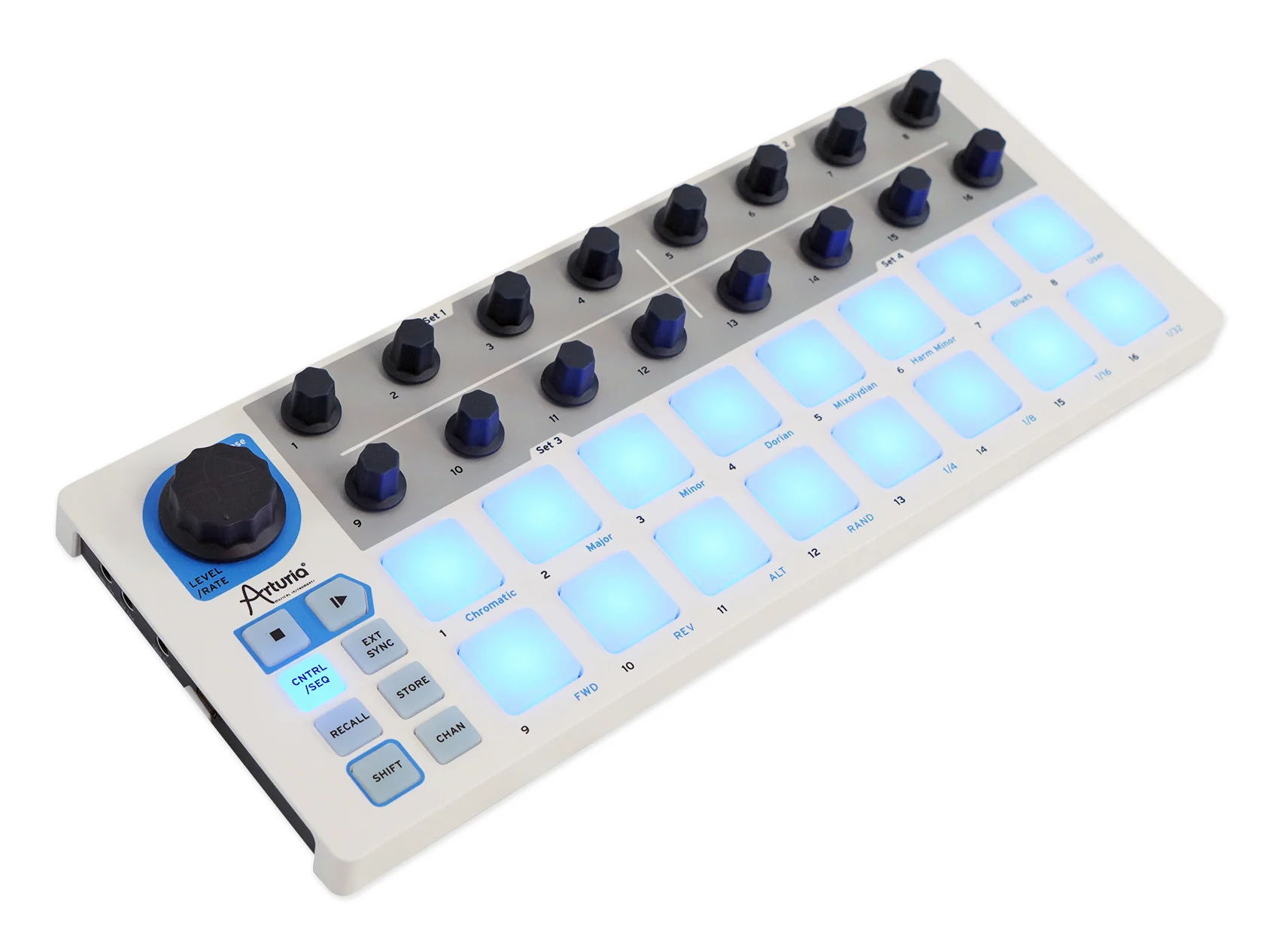
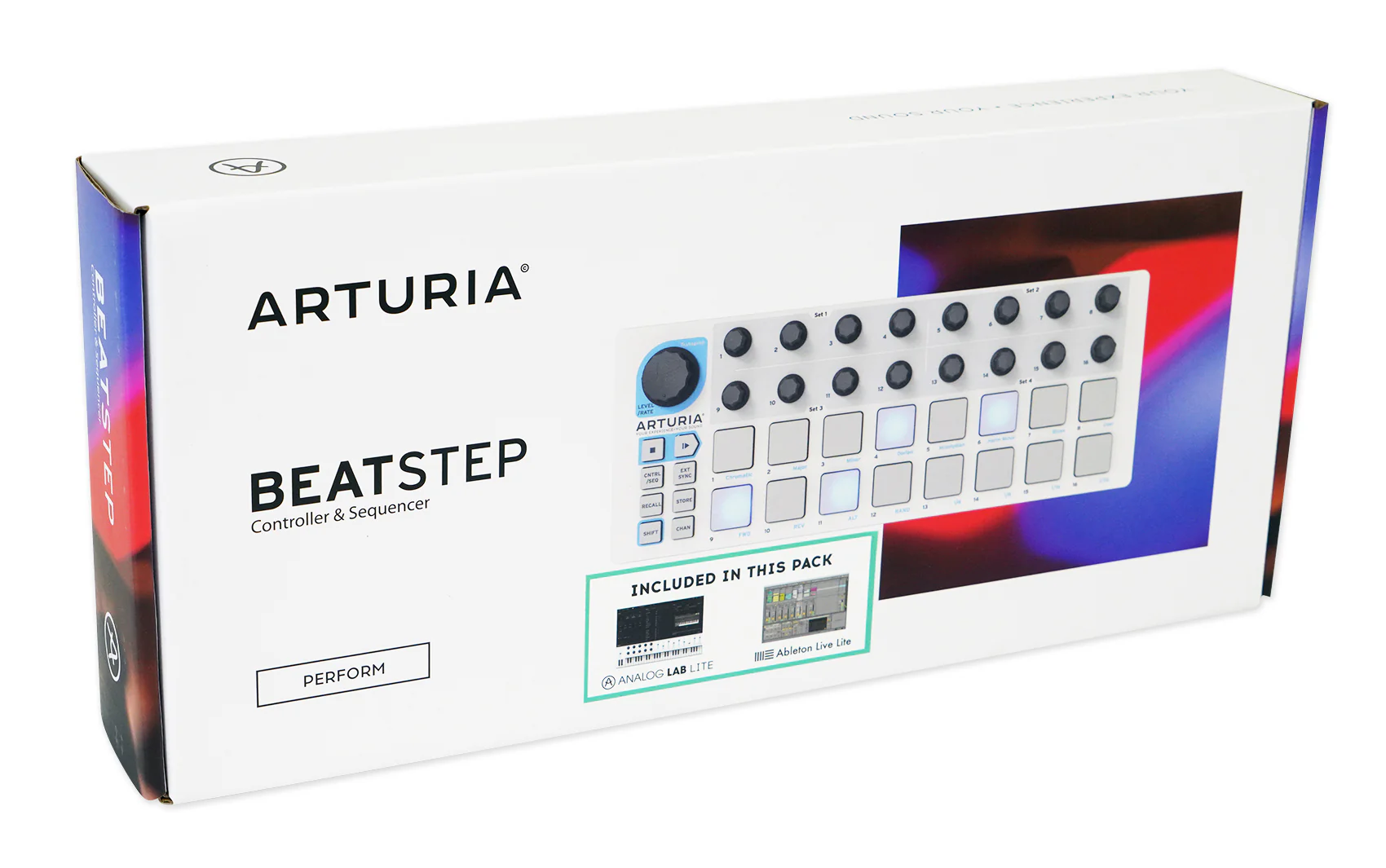
Arturia's BeatStep: a degree of functionality and performance never seen before in a portable pad controller. BeatStep is highly versatile, capable of triggering clips in applications like Ableton Live, playing drums with BFD or EZDrummer, or tweaking synth parameters. Or doing all of those at once!
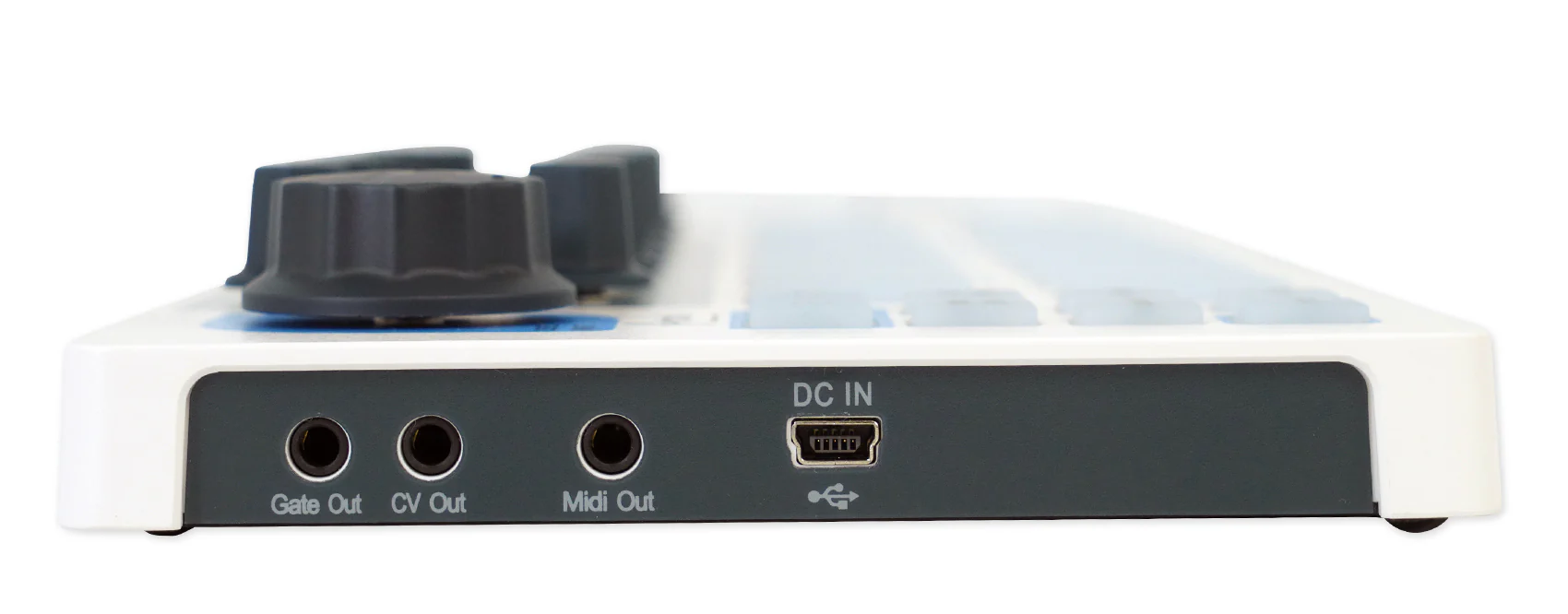
BeatStep is also a 16-step analog sequencer, and it's like a force of nature when it comes to creating interesting musical phrases for analog synthesizers, MIDI drum machines, keyboards and DAWs. Its advanced connectivity interfaces easily with a computer or iPad® using USB, a drum module with MIDI, or the CV/Gate inputs on an analog synthesizer.
Step Sequencer
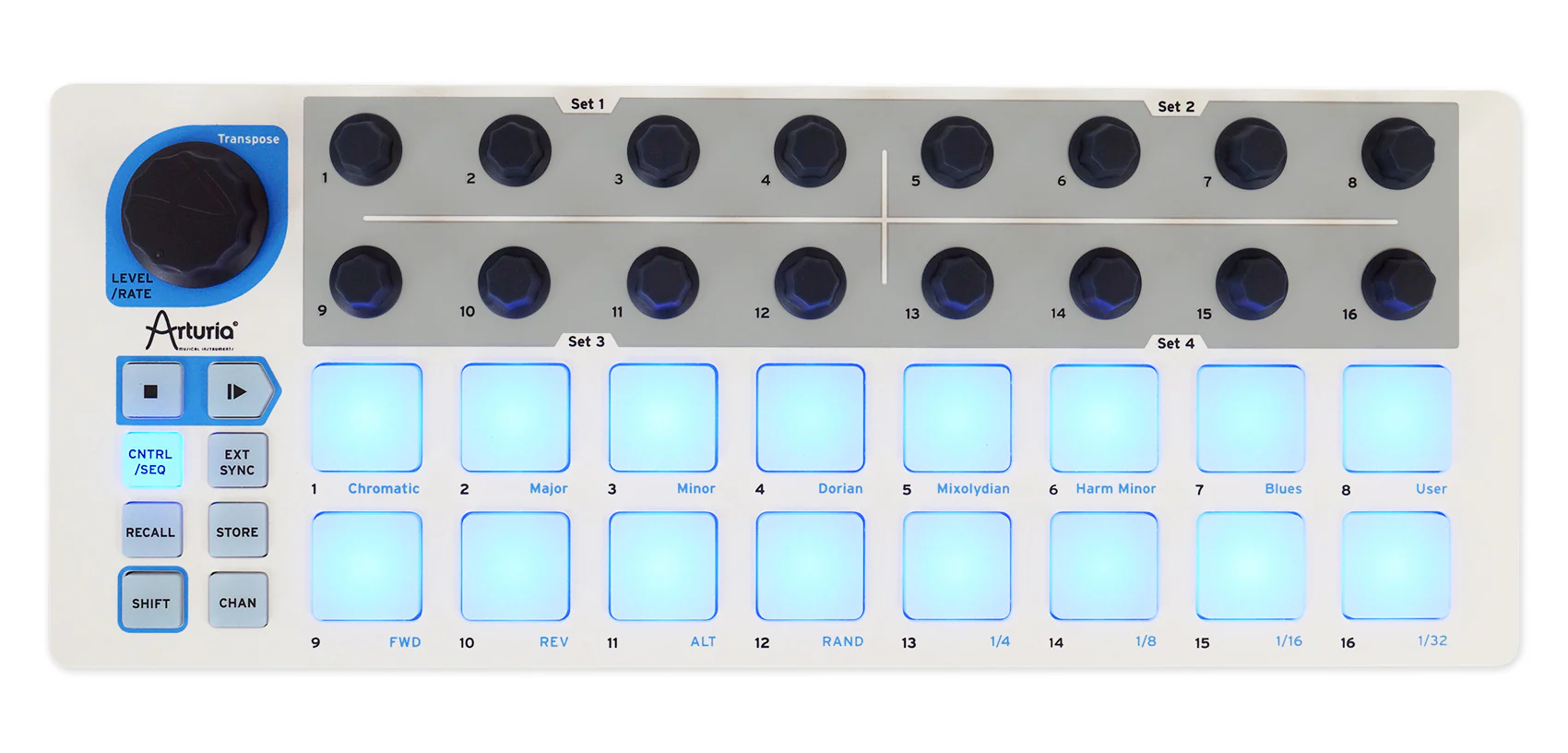
In SEQ mode the pads become toggles for each step in your sequence. The 16 encoders will adjust pitch for the associated step. 16 memories allow for instant recall of your favorite patterns while the pad scale modes, sequence playback modes and time division functions allow for realtime performance changes.
On top of all that it has MIDI, USB and CV/GATE connectivity, giving you a sequencer that will work with all types of gear, including analog synths, software instruments, and MIDI hardware.
Percussion Controller
With 16 velocity- and pressure-sensitive pads, BeatStep is the perfect compact percussion instrument. The ultra-sensitive pads allow for great dynamic performances. The 16 encoders can be assigned to adjust various parameters for further real-time control over your drum sounds.
General purpose control surface
The BeatStep pads can be configured to send MIDI note on/off messages, MMC commands, Program and Bank changes, or serve as MIDI CC buttons.
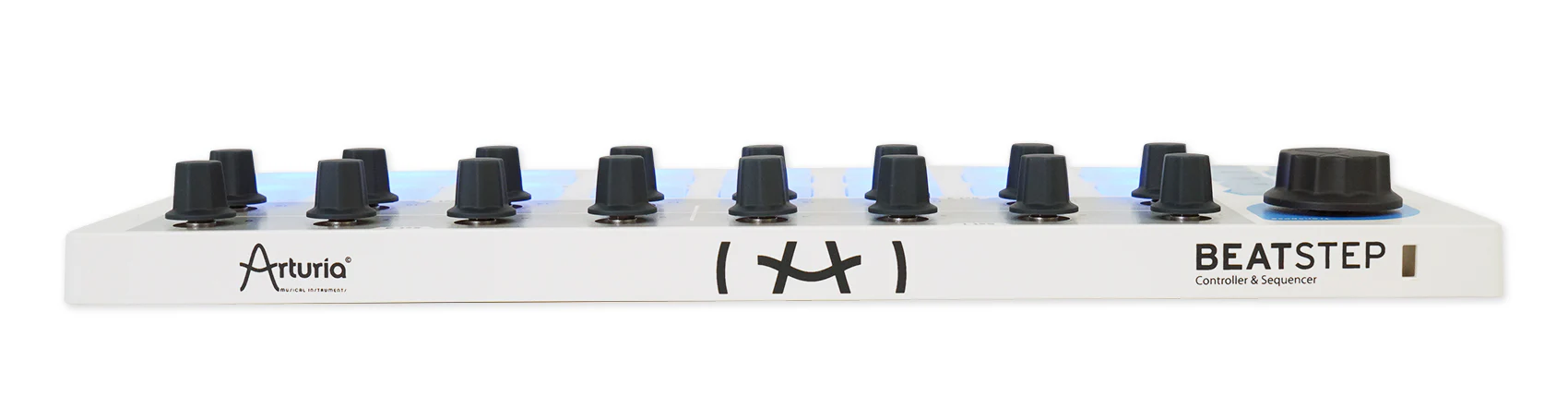
With 16 encoders, 16 pads/buttons and 16 presets, there are as many ways to use BeatStep as there are live gigs and studio environments. You can trigger clips in Ableton Live or use the encoders to adjust the effects in your favorite DJ app. The transport buttons can be MMC controls or send MIDI CCs to start and stop your DAW. It can be the MIDI Clock master or slave to an external clock.
Using an iPad and a camera connection kit, you can turn BeatStep into one of the most flexible iPad app controllers ever.
Features:
16 backlit pads
- Red = Control mode
- Blue = SEQ mode
- Velocity- and pressure-sensitive
16 assignable encoders with 2 modes
- MIDI CC
- NRPN/RPN
Transport controls
- Send MIDI clock with Start/Stop (internal sync)
- Send MMC Play and Stop messages
Data Encoder
- Volume MIDI CC#7 - Control Mode
- Rate - in Sequence mode
- Sequence Transpose - SHIFT + Data Encoder
Multiple pad modes
- Note data
- MIDI CC data
- Program Change with Bank Select
Kensington Lock port
16 user presets

All About Your RPAK CHARCOAL:
How To Set Up Your RPAK CHARCOAL:
Features:
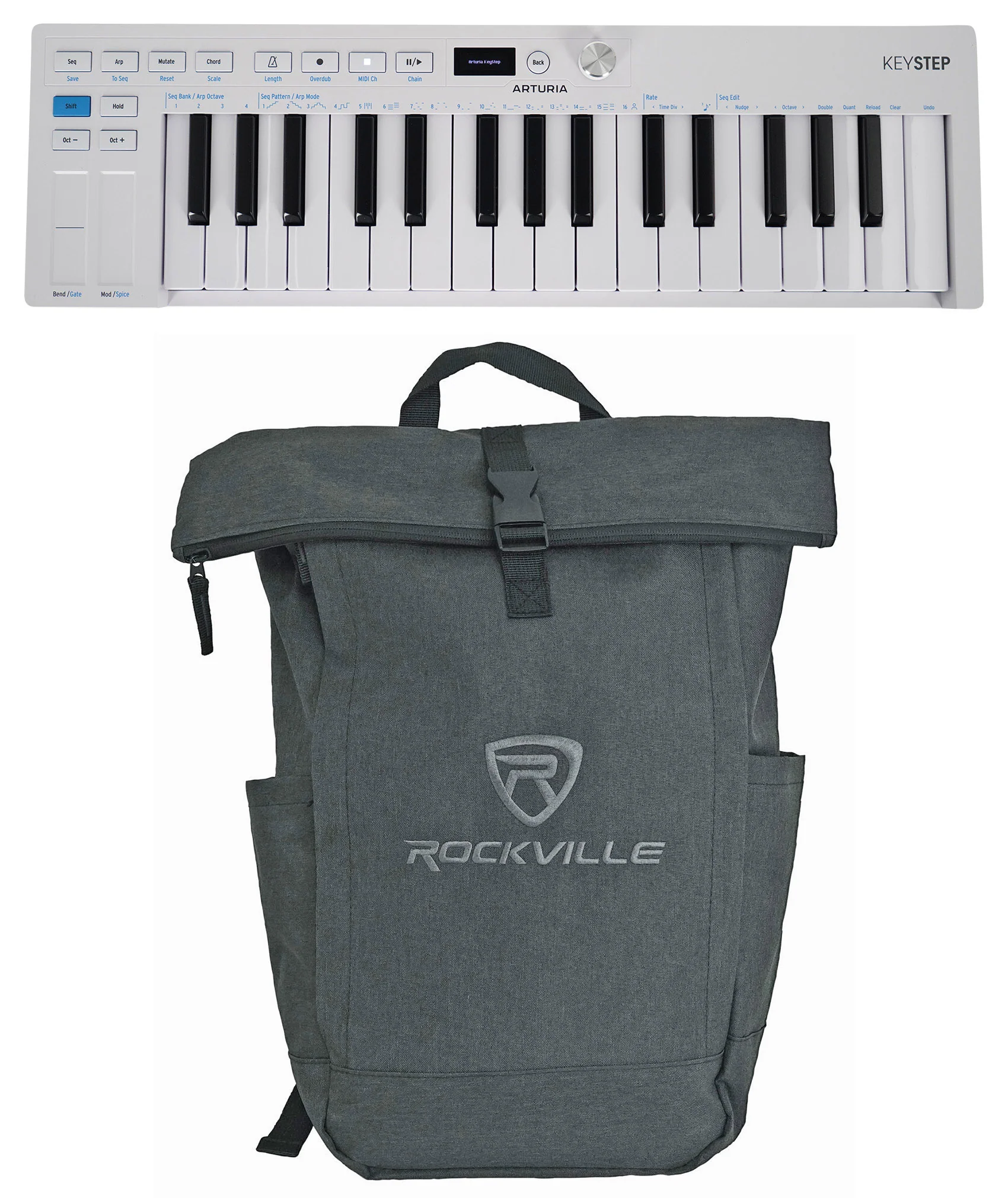
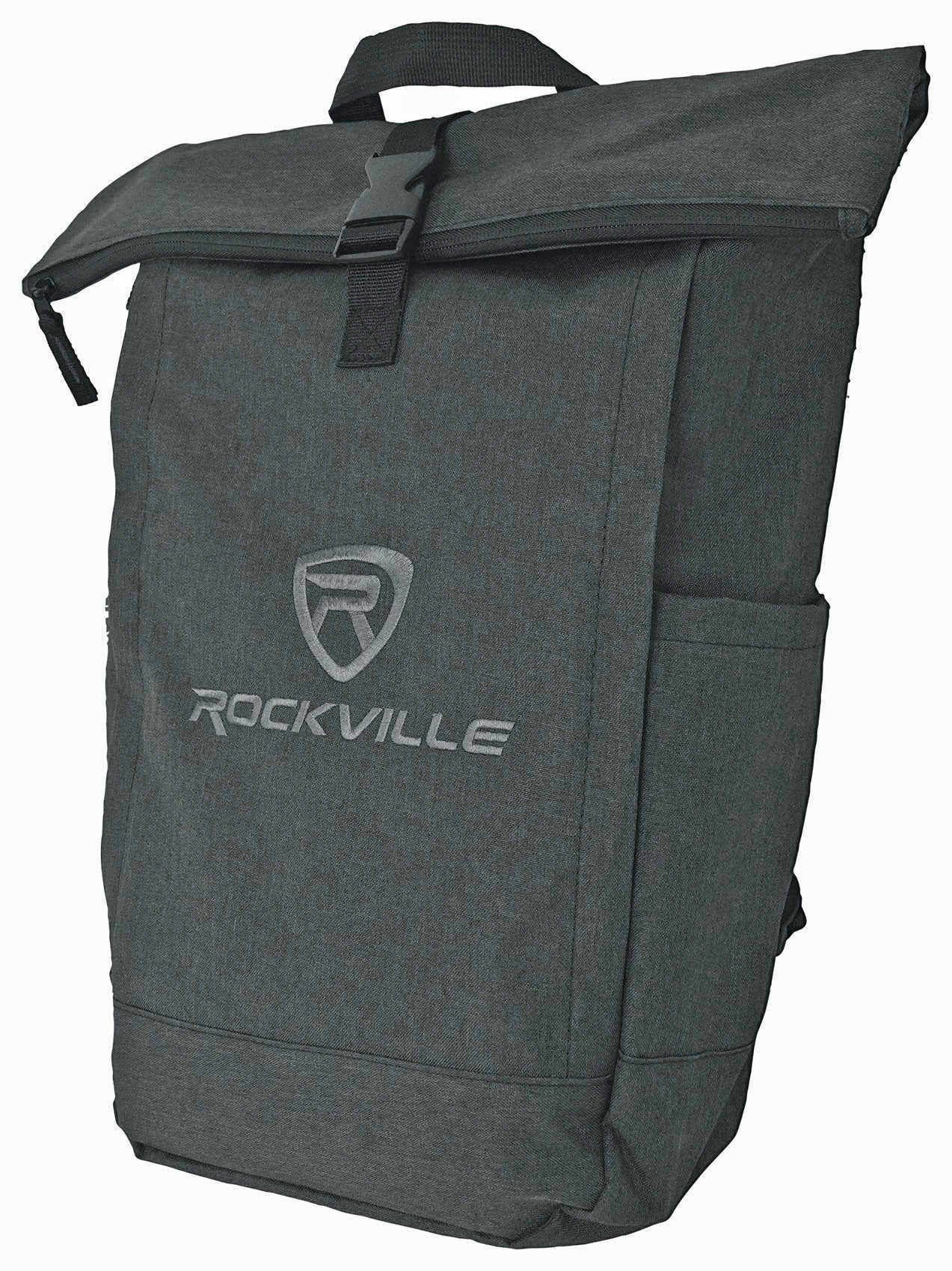
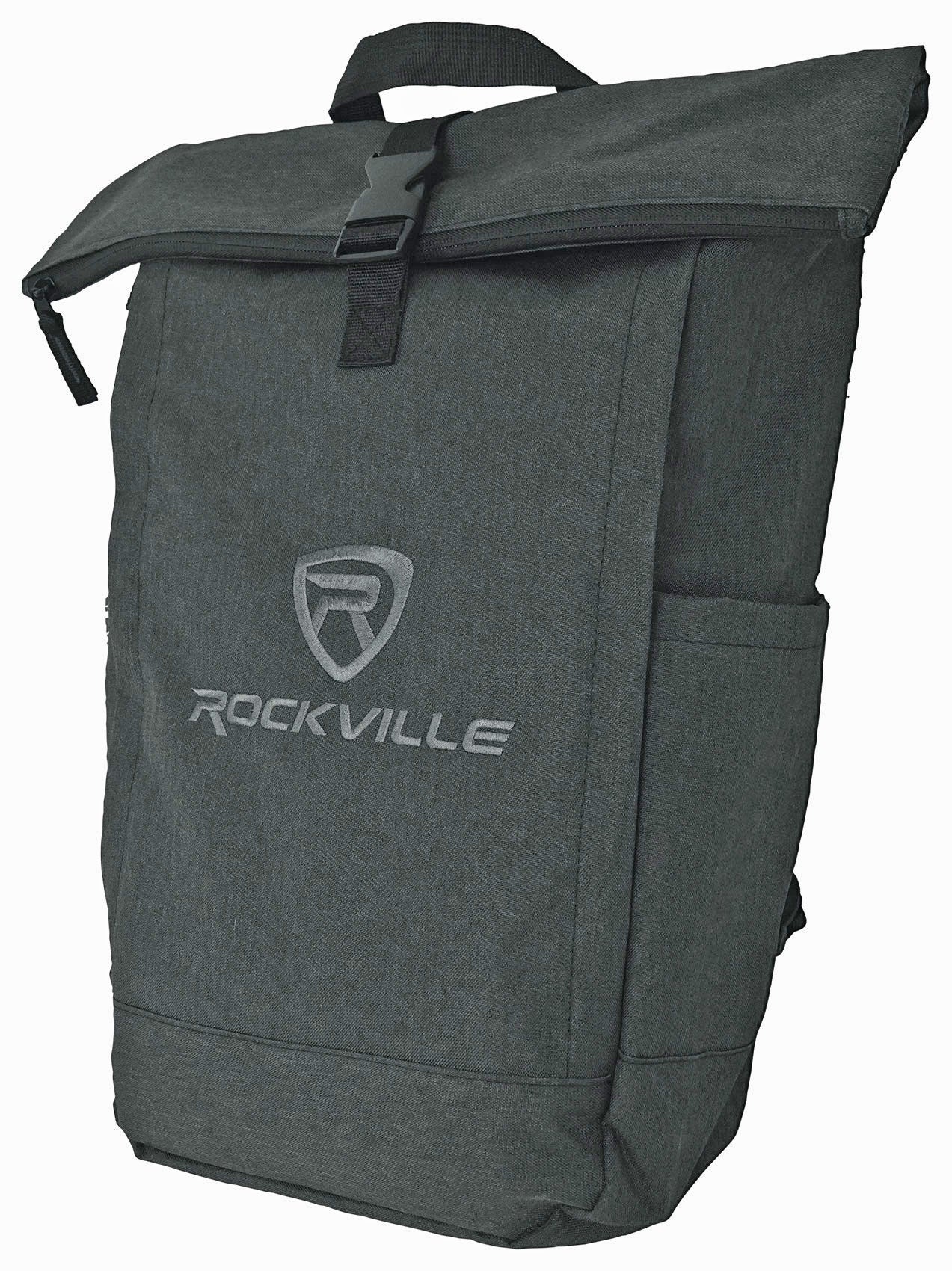
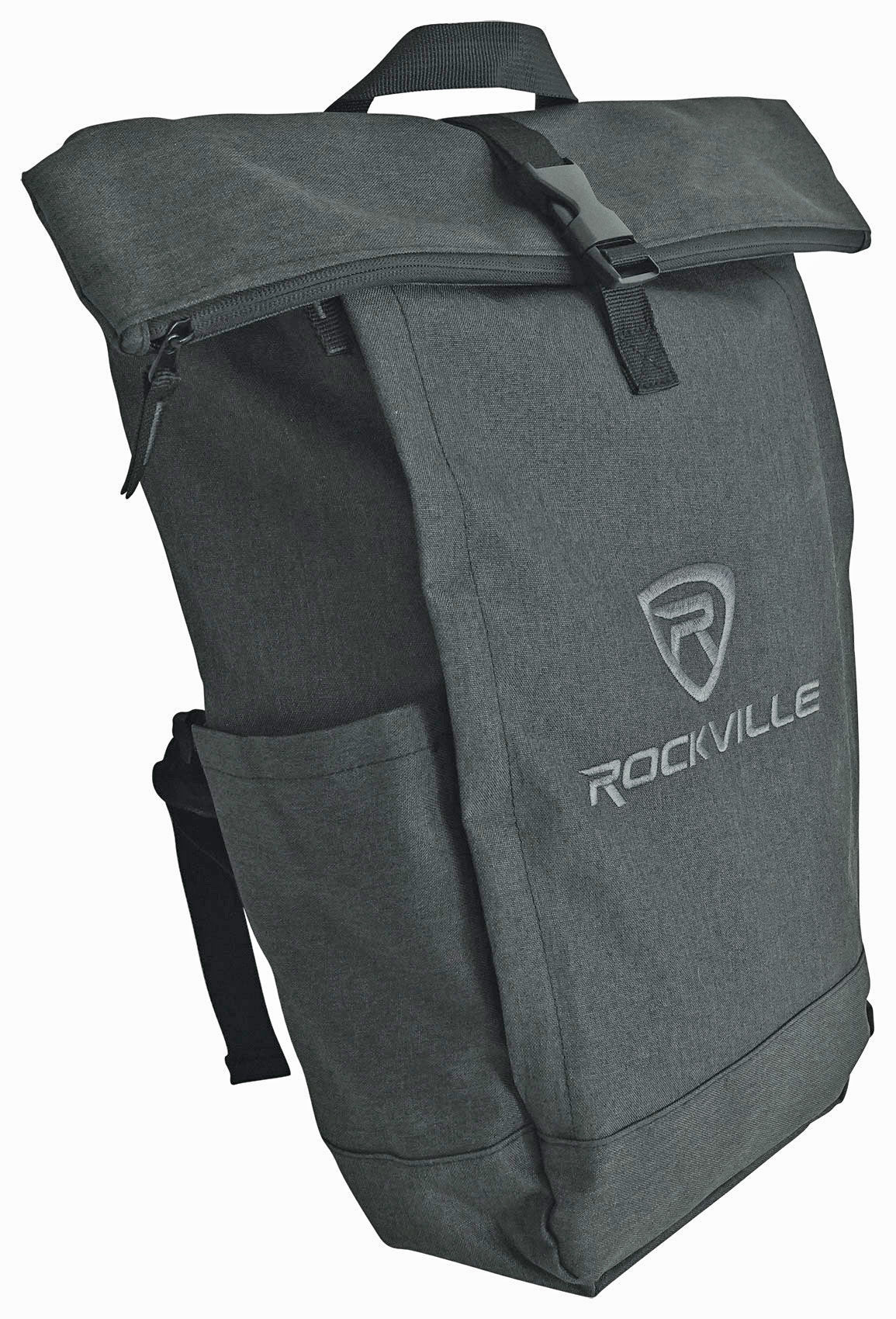
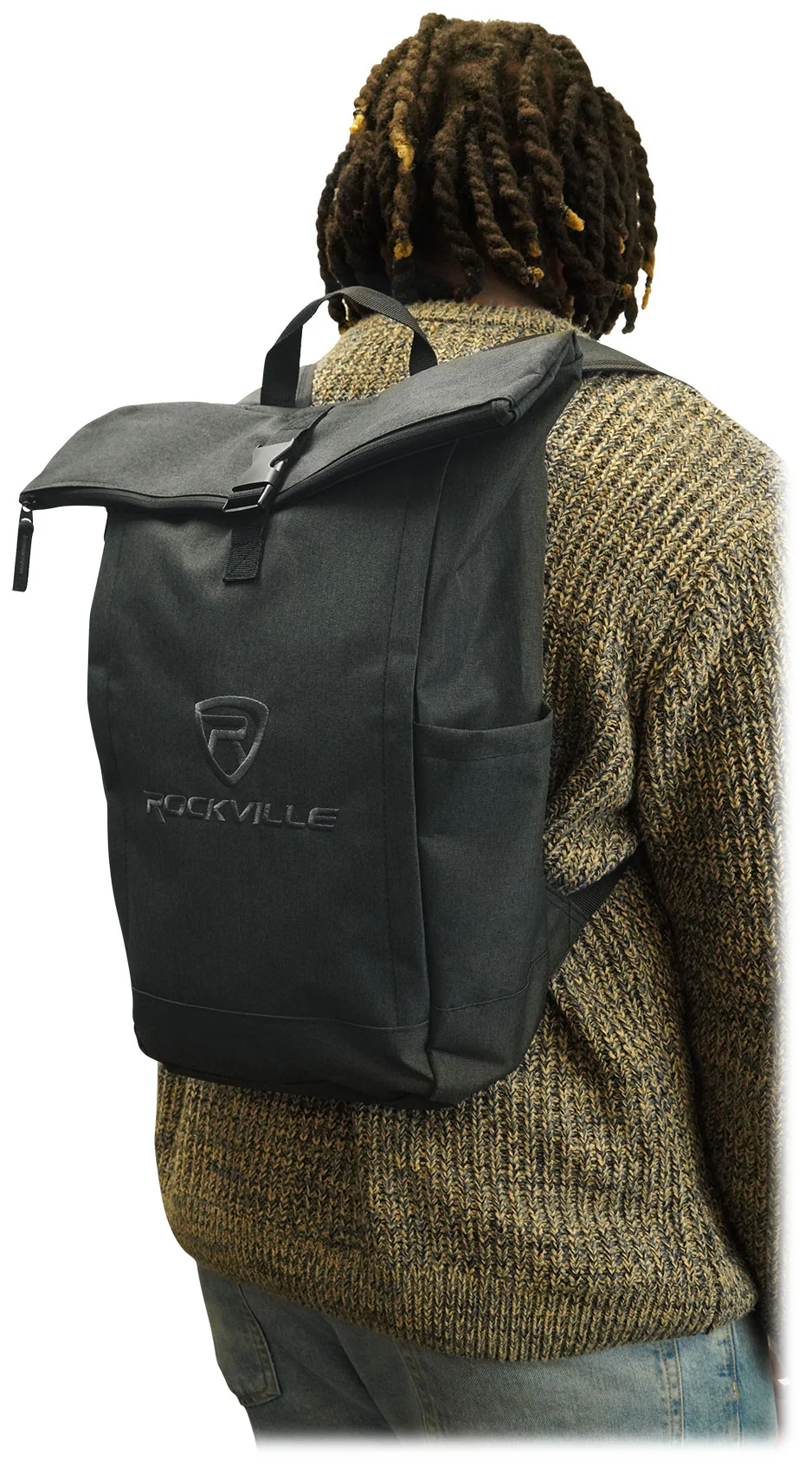
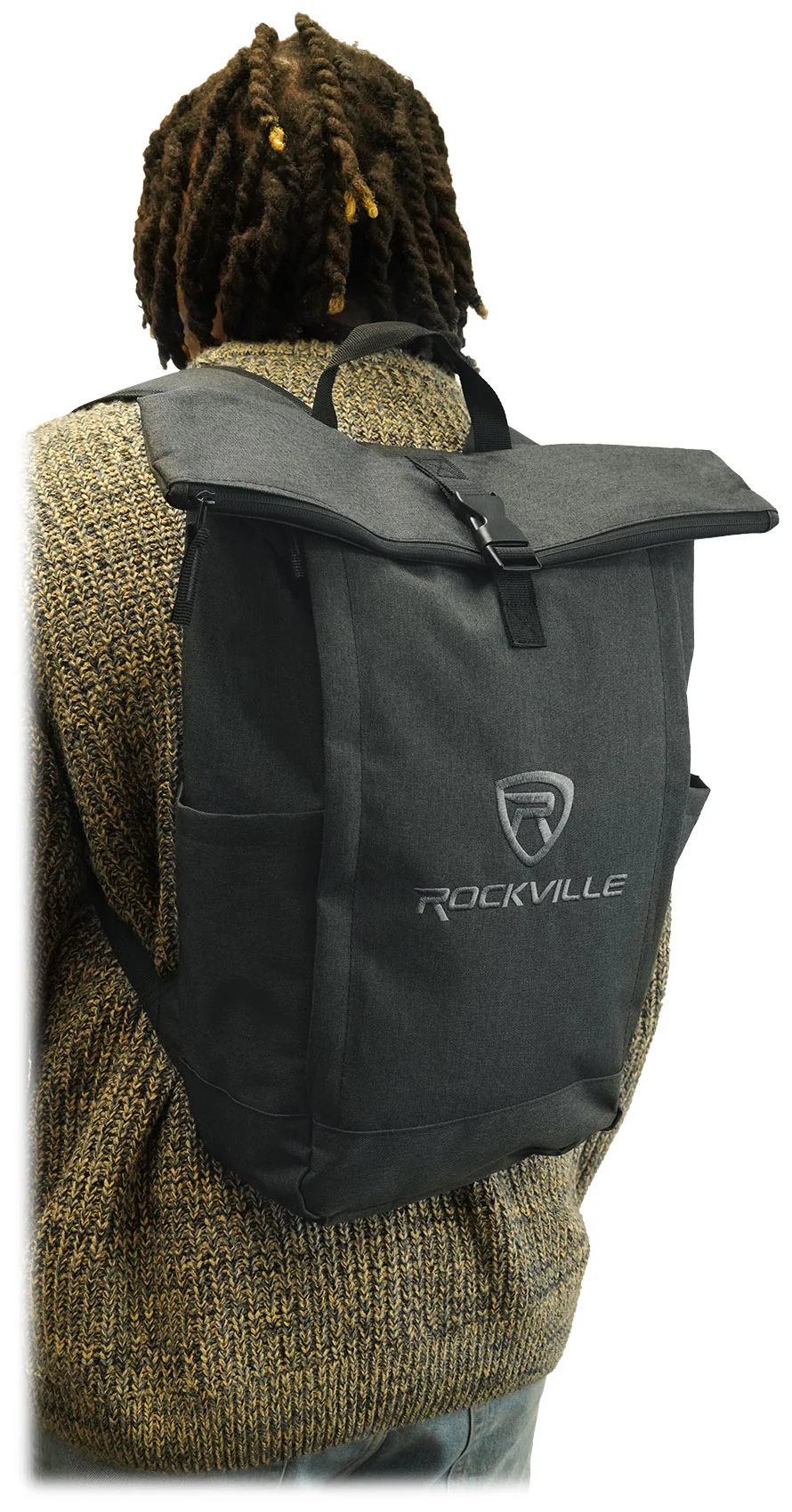
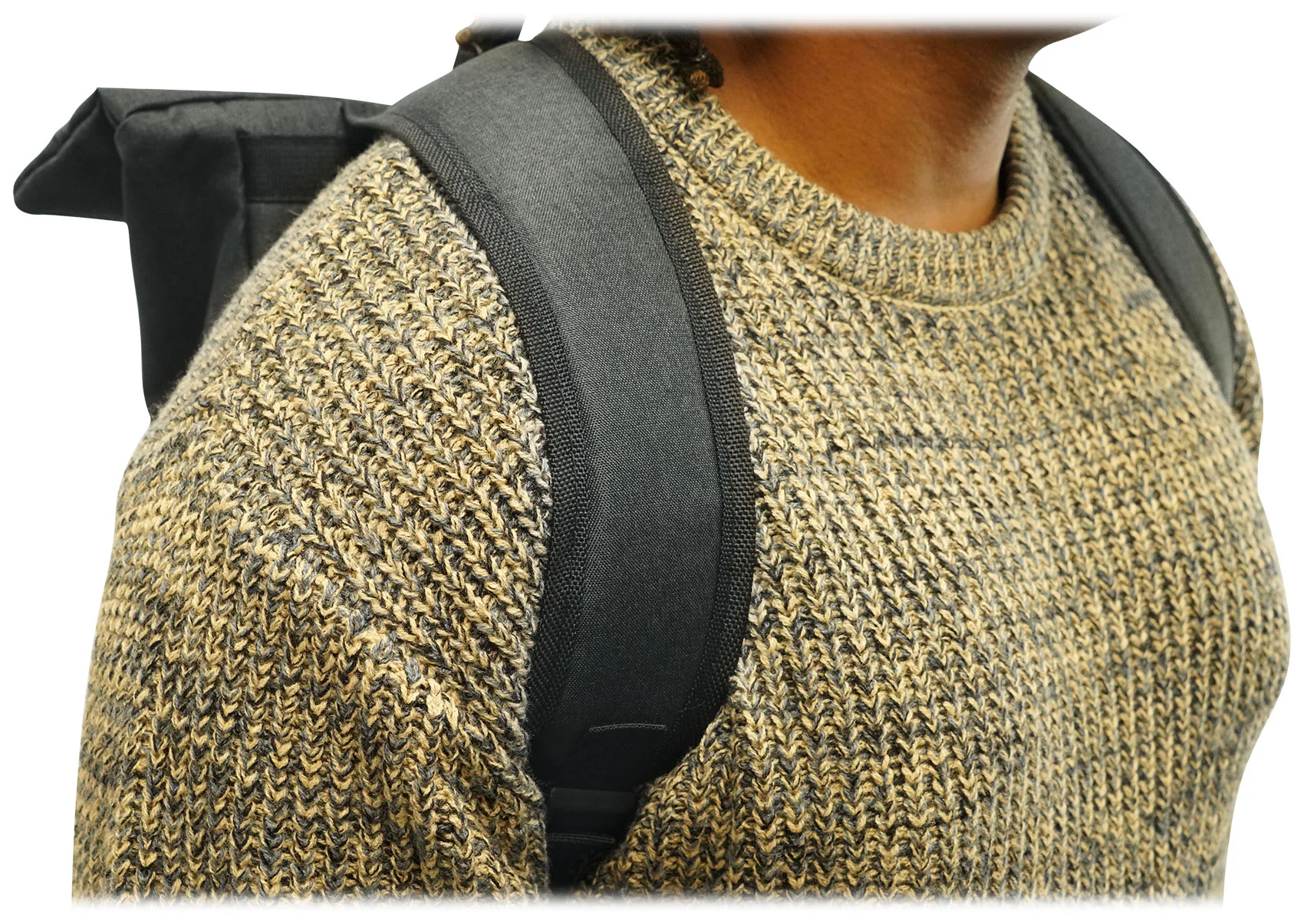
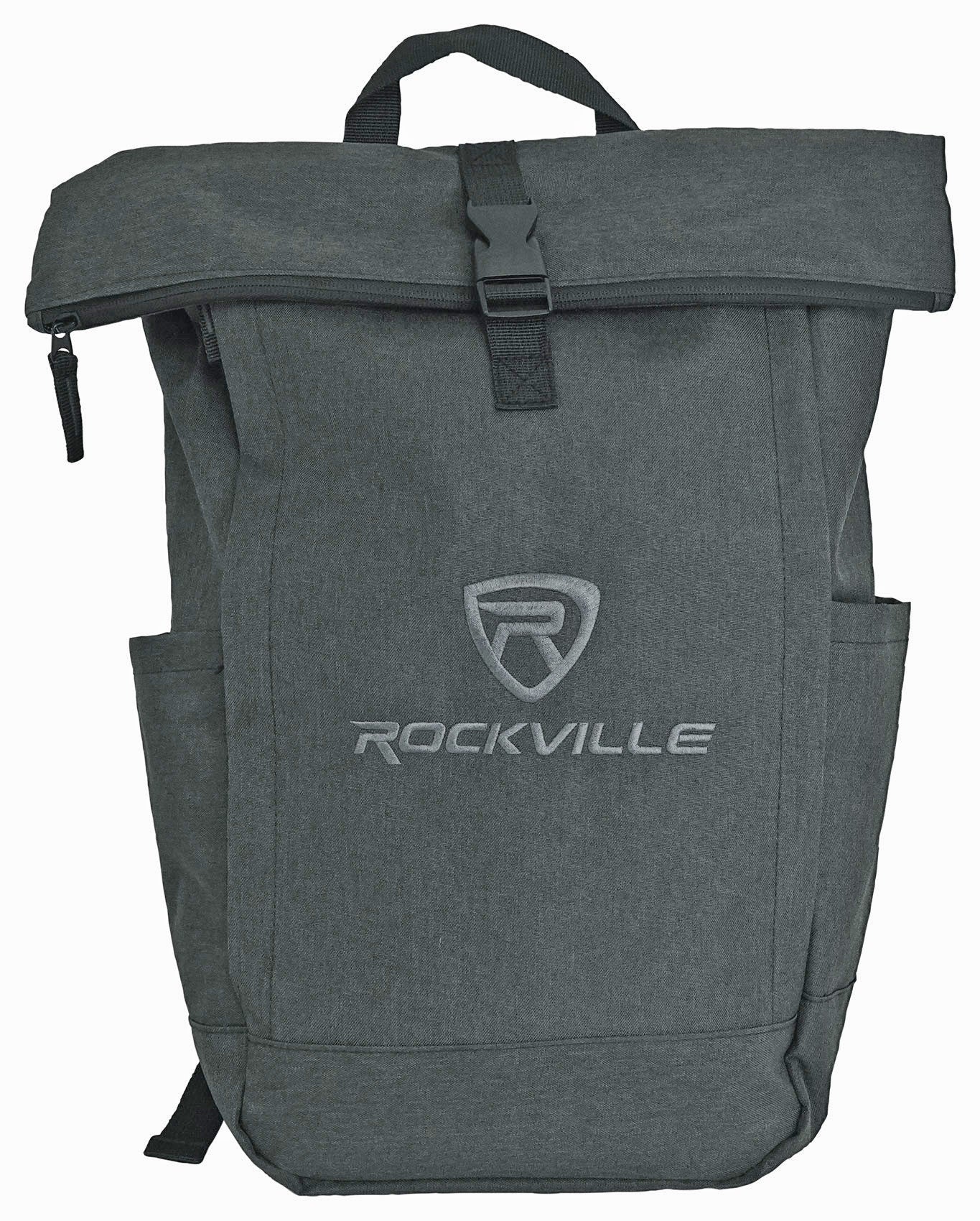
- Rockville RPAK Charcoal Stylish Durable Backpack
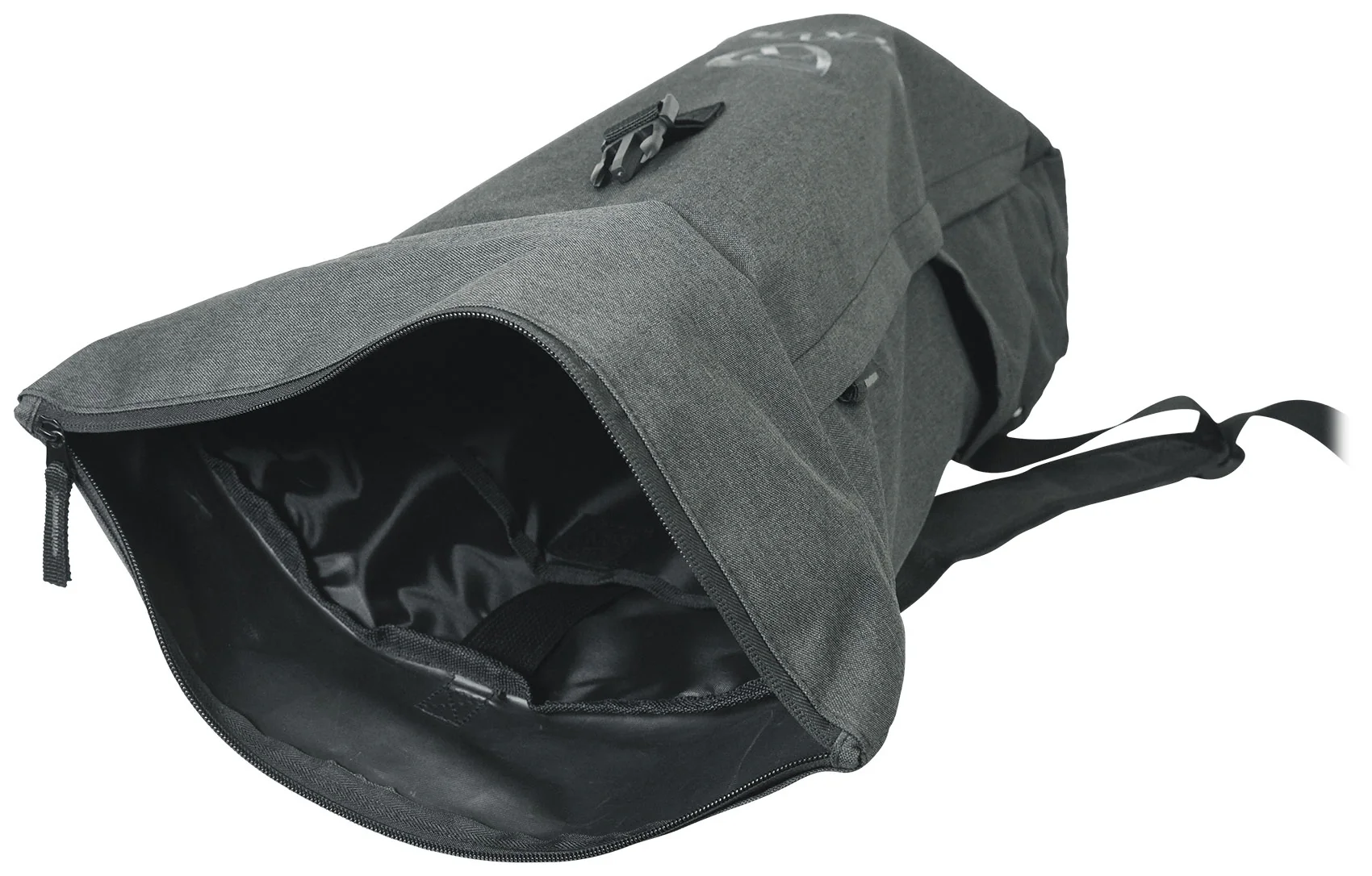
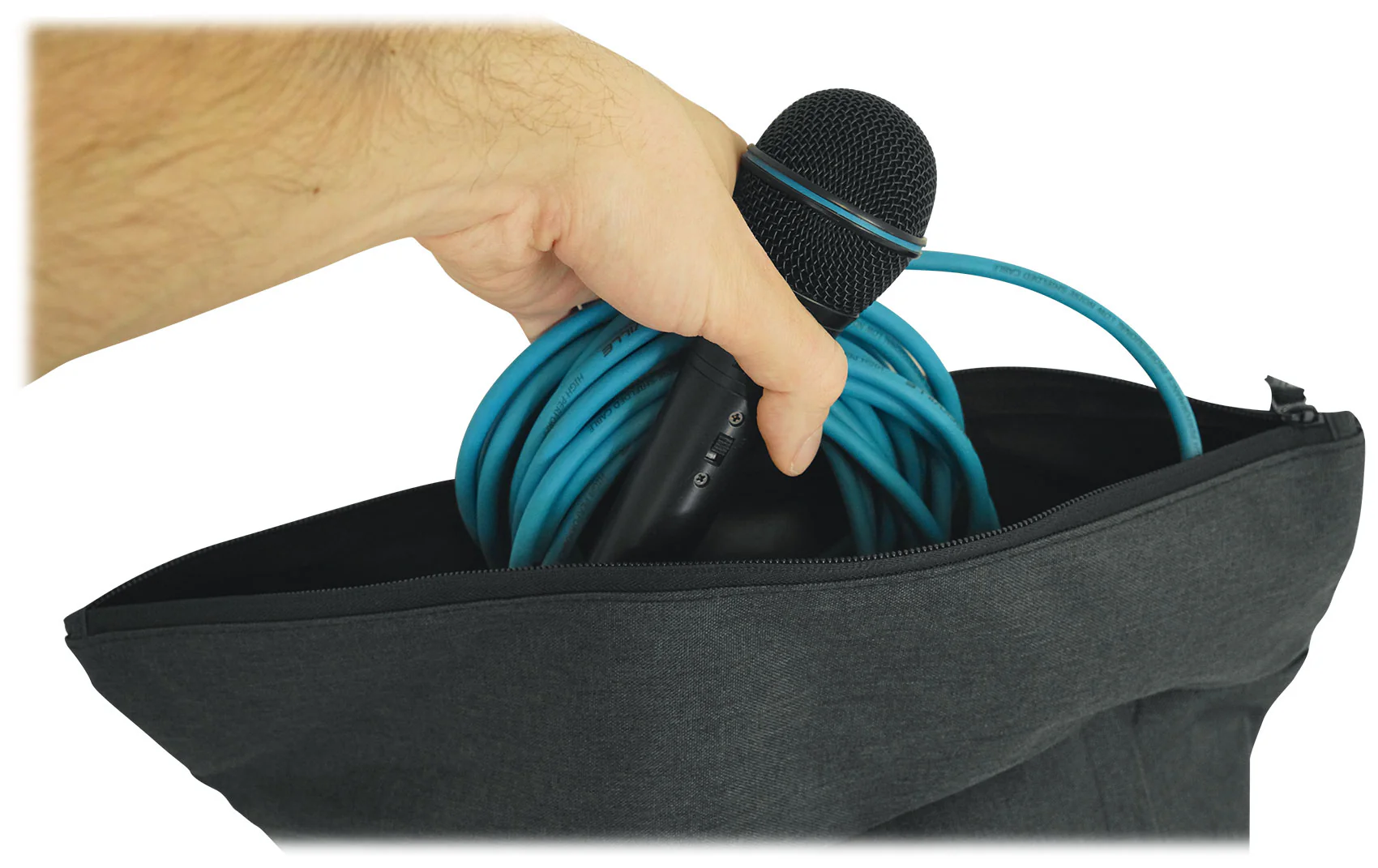
- Main zippered compartment is 15” W x 21.75” H in the extended position and 15” W x 18” H in the folded position
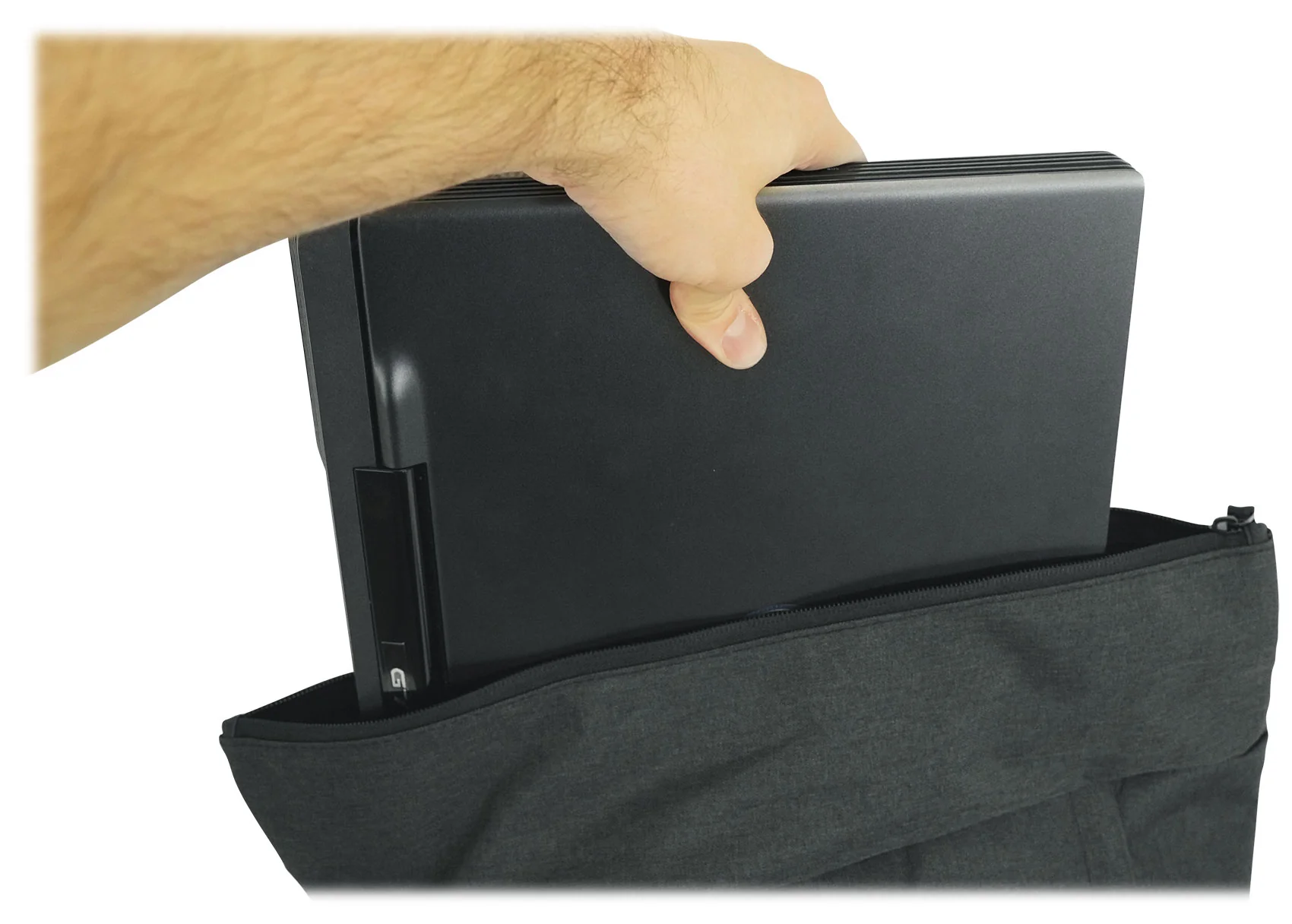
- Padded Laptop Pocket with Velcro in the main compartment (fits up to 15” laptop)
- Hidden side zippered compartment
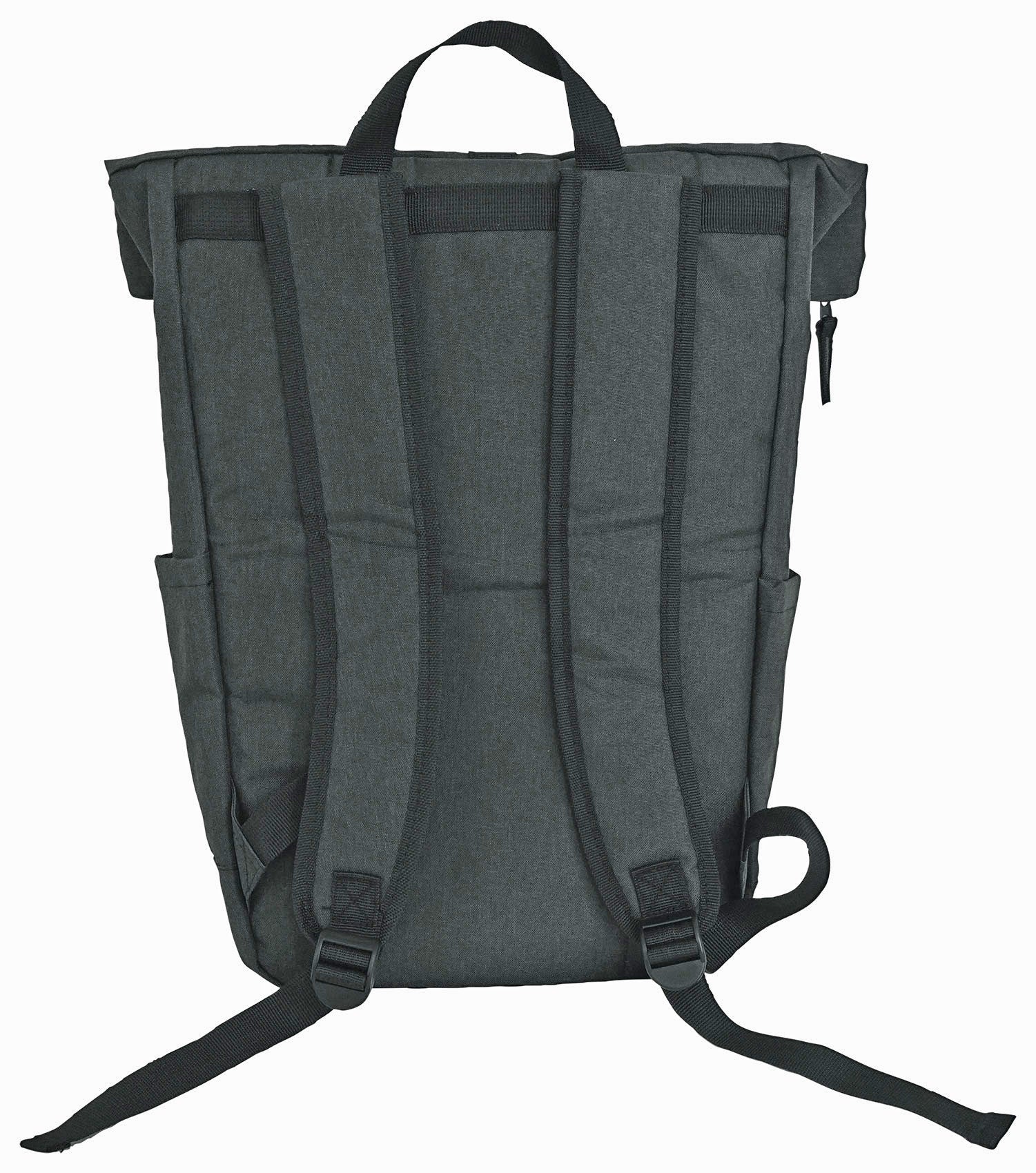
- Padded and adjustable backpack straps
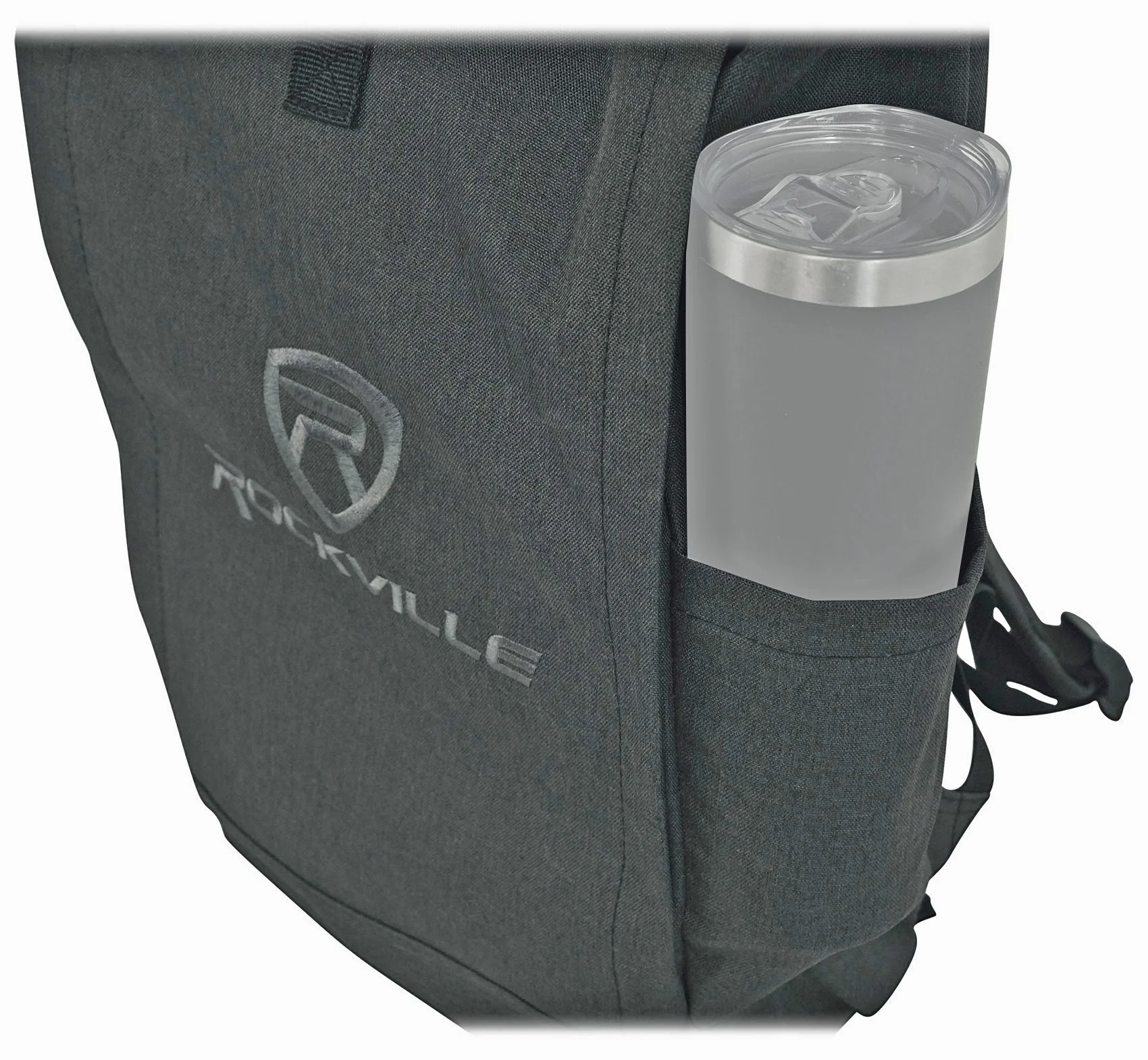
- 2 open pockets on the sides for drinks or an umbrella
- Durable Nylon Fabric
Product Information
Product Information
Shipping & Returns
Shipping & Returns
BeatStep+RPAK CHARCOAL
BeatStep+RPAK CHARCOAL
Description:
Compact Control PowerHouse
The chameleon controller and sequencer that provides nearly endless possibilities. With a compact format, it is the perfect companion on the road or in the studio.
The chameleon controller and sequencer
Arturia's BeatStep: a degree of functionality and performance never seen before in a portable pad controller. BeatStep is highly versatile, capable of triggering clips in applications like Ableton Live, playing drums with BFD or EZDrummer, or tweaking synth parameters. Or doing all of those at once!
BeatStep is also a 16-step analog sequencer, and it's like a force of nature when it comes to creating interesting musical phrases for analog synthesizers, MIDI drum machines, keyboards and DAWs. Its advanced connectivity interfaces easily with a computer or iPad® using USB, a drum module with MIDI, or the CV/Gate inputs on an analog synthesizer.
Step Sequencer
In SEQ mode the pads become toggles for each step in your sequence. The 16 encoders will adjust pitch for the associated step. 16 memories allow for instant recall of your favorite patterns while the pad scale modes, sequence playback modes and time division functions allow for realtime performance changes.
On top of all that it has MIDI, USB and CV/GATE connectivity, giving you a sequencer that will work with all types of gear, including analog synths, software instruments, and MIDI hardware.
Percussion Controller
With 16 velocity- and pressure-sensitive pads, BeatStep is the perfect compact percussion instrument. The ultra-sensitive pads allow for great dynamic performances. The 16 encoders can be assigned to adjust various parameters for further real-time control over your drum sounds.
General purpose control surface
The BeatStep pads can be configured to send MIDI note on/off messages, MMC commands, Program and Bank changes, or serve as MIDI CC buttons.
With 16 encoders, 16 pads/buttons and 16 presets, there are as many ways to use BeatStep as there are live gigs and studio environments. You can trigger clips in Ableton Live or use the encoders to adjust the effects in your favorite DJ app. The transport buttons can be MMC controls or send MIDI CCs to start and stop your DAW. It can be the MIDI Clock master or slave to an external clock.
Using an iPad and a camera connection kit, you can turn BeatStep into one of the most flexible iPad app controllers ever.
Features:
16 backlit pads
- Red = Control mode
- Blue = SEQ mode
- Velocity- and pressure-sensitive
16 assignable encoders with 2 modes
- MIDI CC
- NRPN/RPN
Transport controls
- Send MIDI clock with Start/Stop (internal sync)
- Send MMC Play and Stop messages
Data Encoder
- Volume MIDI CC#7 - Control Mode
- Rate - in Sequence mode
- Sequence Transpose - SHIFT + Data Encoder
Multiple pad modes
- Note data
- MIDI CC data
- Program Change with Bank Select
Kensington Lock port
16 user presets
All About Your RPAK CHARCOAL:
How To Set Up Your RPAK CHARCOAL:
Features:
- Rockville RPAK Charcoal Stylish Durable Backpack
- Main zippered compartment is 15” W x 21.75” H in the extended position and 15” W x 18” H in the folded position
- Padded Laptop Pocket with Velcro in the main compartment (fits up to 15” laptop)
- Hidden side zippered compartment
- Padded and adjustable backpack straps
- 2 open pockets on the sides for drinks or an umbrella
- Durable Nylon Fabric
Original: $96.00
-70%$96.00
$28.80Product Information
Product Information
Shipping & Returns
Shipping & Returns
Description
Description:
Compact Control PowerHouse
The chameleon controller and sequencer that provides nearly endless possibilities. With a compact format, it is the perfect companion on the road or in the studio.
The chameleon controller and sequencer
Arturia's BeatStep: a degree of functionality and performance never seen before in a portable pad controller. BeatStep is highly versatile, capable of triggering clips in applications like Ableton Live, playing drums with BFD or EZDrummer, or tweaking synth parameters. Or doing all of those at once!
BeatStep is also a 16-step analog sequencer, and it's like a force of nature when it comes to creating interesting musical phrases for analog synthesizers, MIDI drum machines, keyboards and DAWs. Its advanced connectivity interfaces easily with a computer or iPad® using USB, a drum module with MIDI, or the CV/Gate inputs on an analog synthesizer.
Step Sequencer
In SEQ mode the pads become toggles for each step in your sequence. The 16 encoders will adjust pitch for the associated step. 16 memories allow for instant recall of your favorite patterns while the pad scale modes, sequence playback modes and time division functions allow for realtime performance changes.
On top of all that it has MIDI, USB and CV/GATE connectivity, giving you a sequencer that will work with all types of gear, including analog synths, software instruments, and MIDI hardware.
Percussion Controller
With 16 velocity- and pressure-sensitive pads, BeatStep is the perfect compact percussion instrument. The ultra-sensitive pads allow for great dynamic performances. The 16 encoders can be assigned to adjust various parameters for further real-time control over your drum sounds.
General purpose control surface
The BeatStep pads can be configured to send MIDI note on/off messages, MMC commands, Program and Bank changes, or serve as MIDI CC buttons.
With 16 encoders, 16 pads/buttons and 16 presets, there are as many ways to use BeatStep as there are live gigs and studio environments. You can trigger clips in Ableton Live or use the encoders to adjust the effects in your favorite DJ app. The transport buttons can be MMC controls or send MIDI CCs to start and stop your DAW. It can be the MIDI Clock master or slave to an external clock.
Using an iPad and a camera connection kit, you can turn BeatStep into one of the most flexible iPad app controllers ever.
Features:
16 backlit pads
- Red = Control mode
- Blue = SEQ mode
- Velocity- and pressure-sensitive
16 assignable encoders with 2 modes
- MIDI CC
- NRPN/RPN
Transport controls
- Send MIDI clock with Start/Stop (internal sync)
- Send MMC Play and Stop messages
Data Encoder
- Volume MIDI CC#7 - Control Mode
- Rate - in Sequence mode
- Sequence Transpose - SHIFT + Data Encoder
Multiple pad modes
- Note data
- MIDI CC data
- Program Change with Bank Select
Kensington Lock port
16 user presets
All About Your RPAK CHARCOAL:
How To Set Up Your RPAK CHARCOAL:
Features:
- Rockville RPAK Charcoal Stylish Durable Backpack
- Main zippered compartment is 15” W x 21.75” H in the extended position and 15” W x 18” H in the folded position
- Padded Laptop Pocket with Velcro in the main compartment (fits up to 15” laptop)
- Hidden side zippered compartment
- Padded and adjustable backpack straps
- 2 open pockets on the sides for drinks or an umbrella
- Durable Nylon Fabric